


JeyTech Shipping Cutoff for WooCommerce
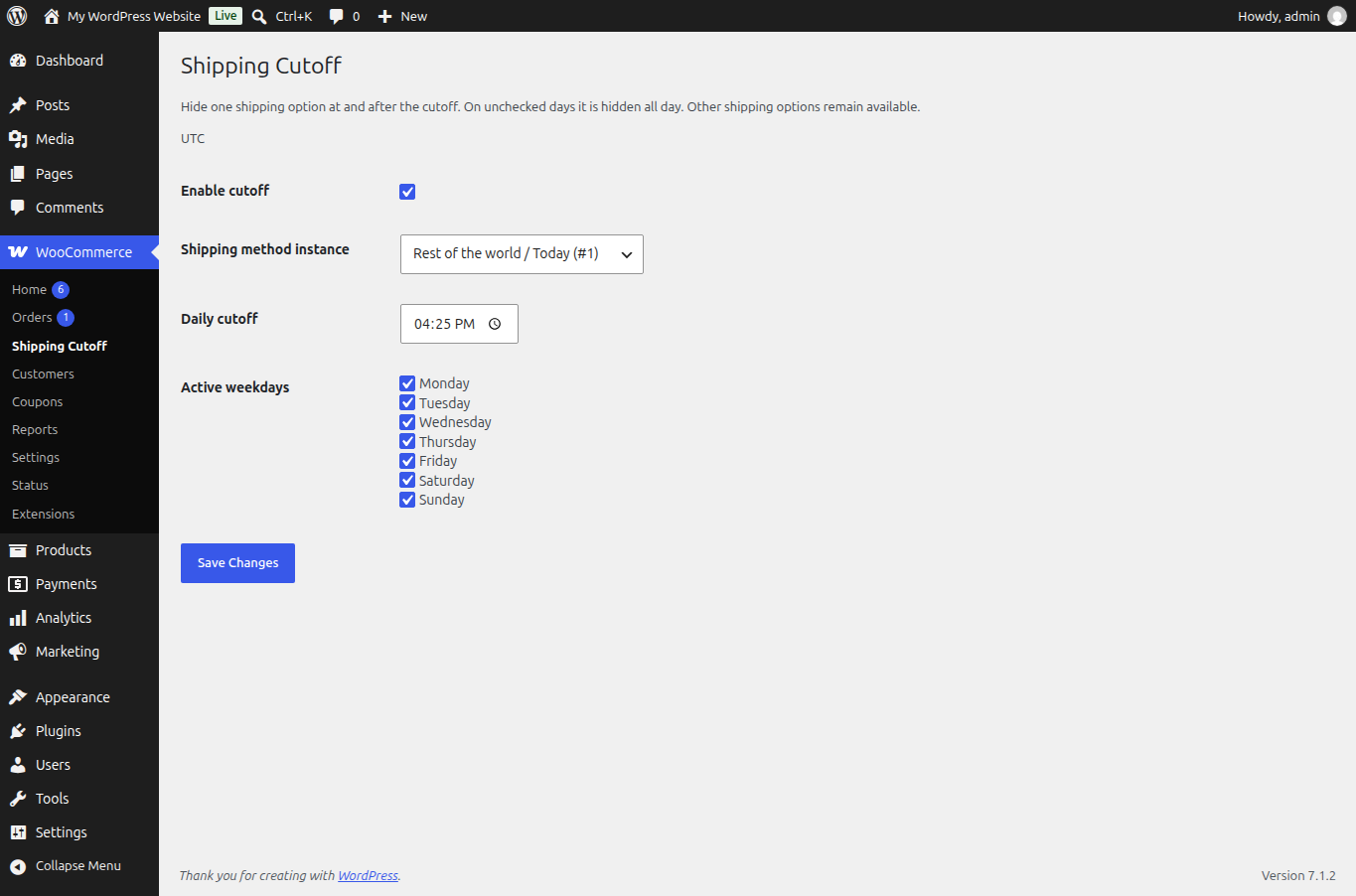
Remove an express or collection option after its daily deadline. Choose one real shipping method instance and its working days. Other shipping options stay available.
Free 1.0.0 is locally tested, not submitted or publicly downloadable. Submission will follow Checkout Hours approval. The French language pack is a tested local fixture, not an approved public pack.
A shipping deadline, not a store closure.
-
One actual shipping instance
Choose an enabled method in a shipping zone, such as express delivery or collection. Other methods and zones are unchanged.
-
Daily time and weekdays
Set one HH:MM cutoff in the WordPress timezone. On inactive weekdays, the chosen option is hidden all day.
-
Classic and Blocks
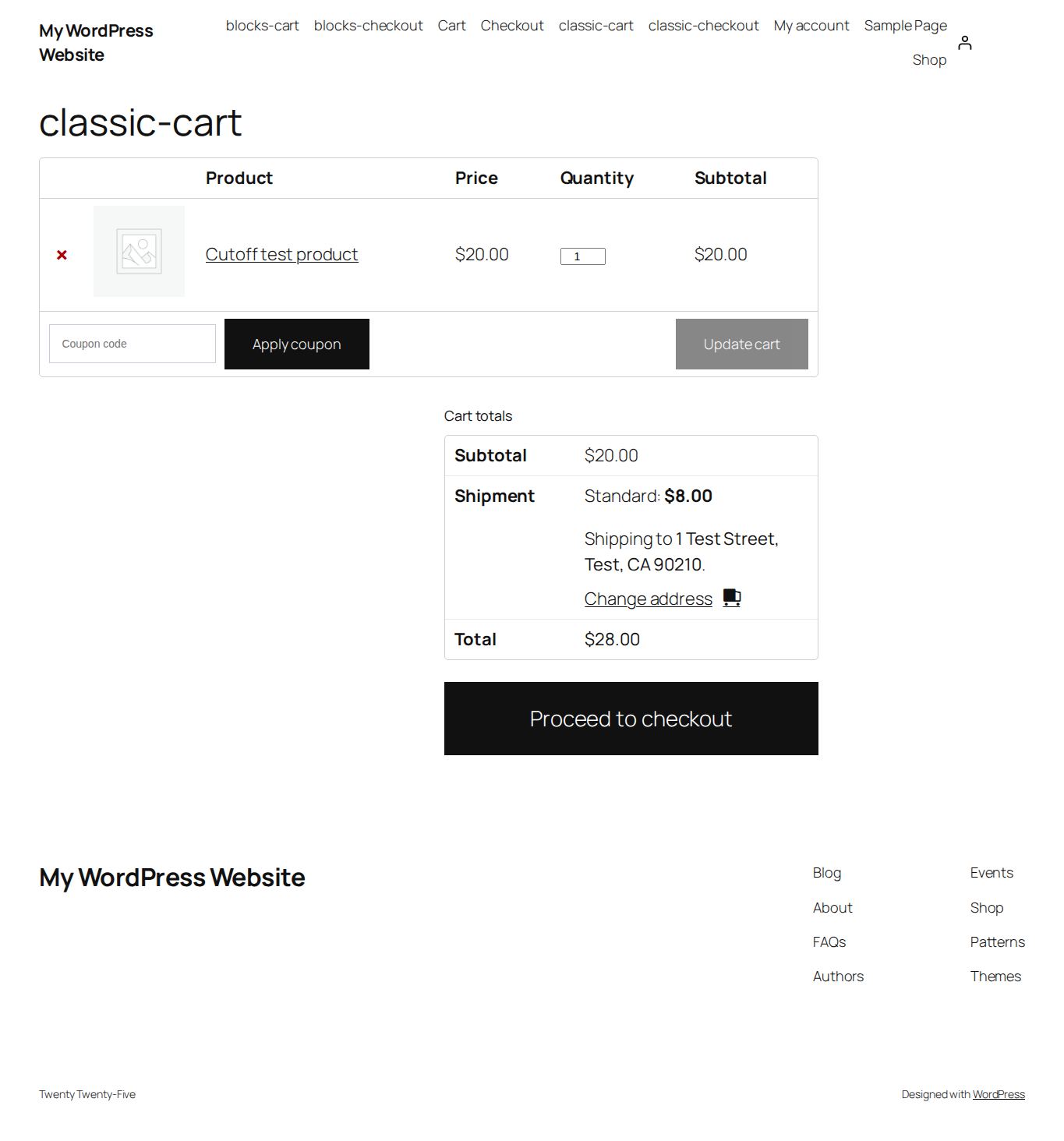
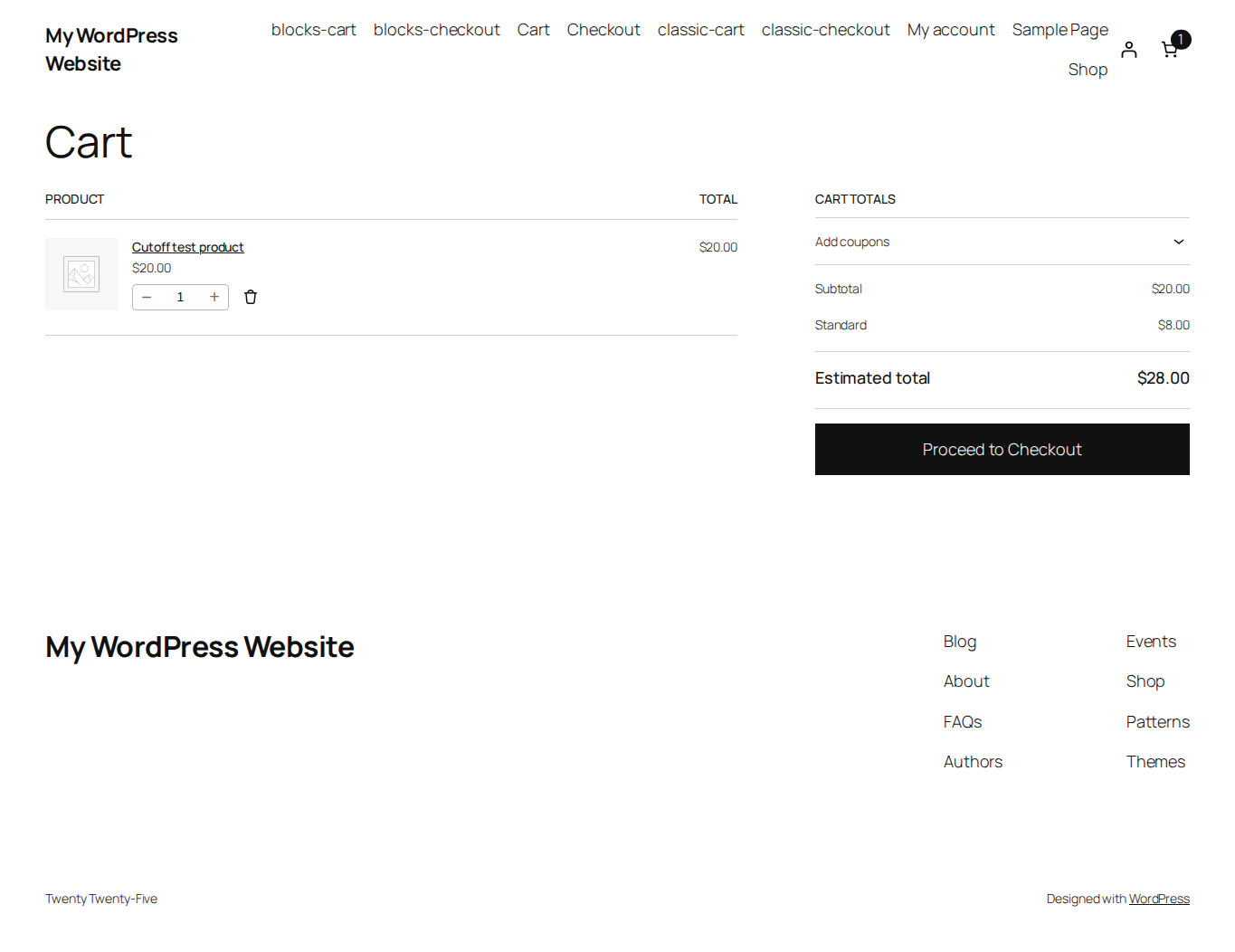
Native shipping calculations refresh availability. Final server checks protect stale selections; WooCommerce may select an available alternative.
-
Disabled until configured
The rule starts disabled. Invalid saves keep your previous settings. There are no order quotas, accounts or external services.
-
Cache and daylight saving
Availability changes at the deadline, midnight and timezone changes. A repeated autumn hour never reopens the option; a skipped spring cutoff closes at the transition.
-
An intentionally small scope
No delivery dates, countdown, holiday calendar or multiple rules. Shipping Cutoff does not close the entire checkout or change payment processing.
Actual WordPress settings and cart checks.

JeyTech family
Need to restrict the whole checkout?
Checkout Hours controls when new orders are accepted, while keeping your catalog and cart available.