
Solo
1 store · no order quota
59 € / year

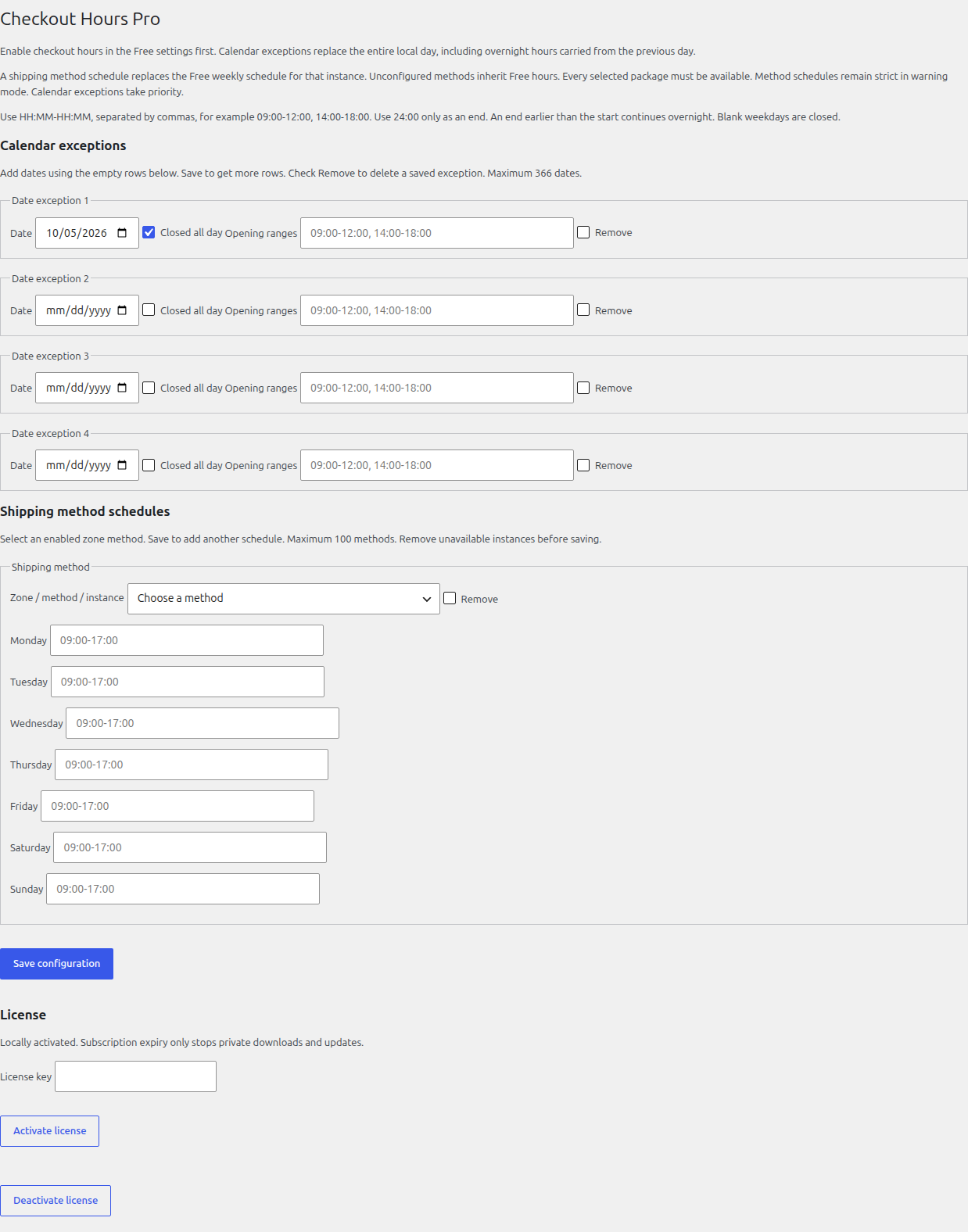
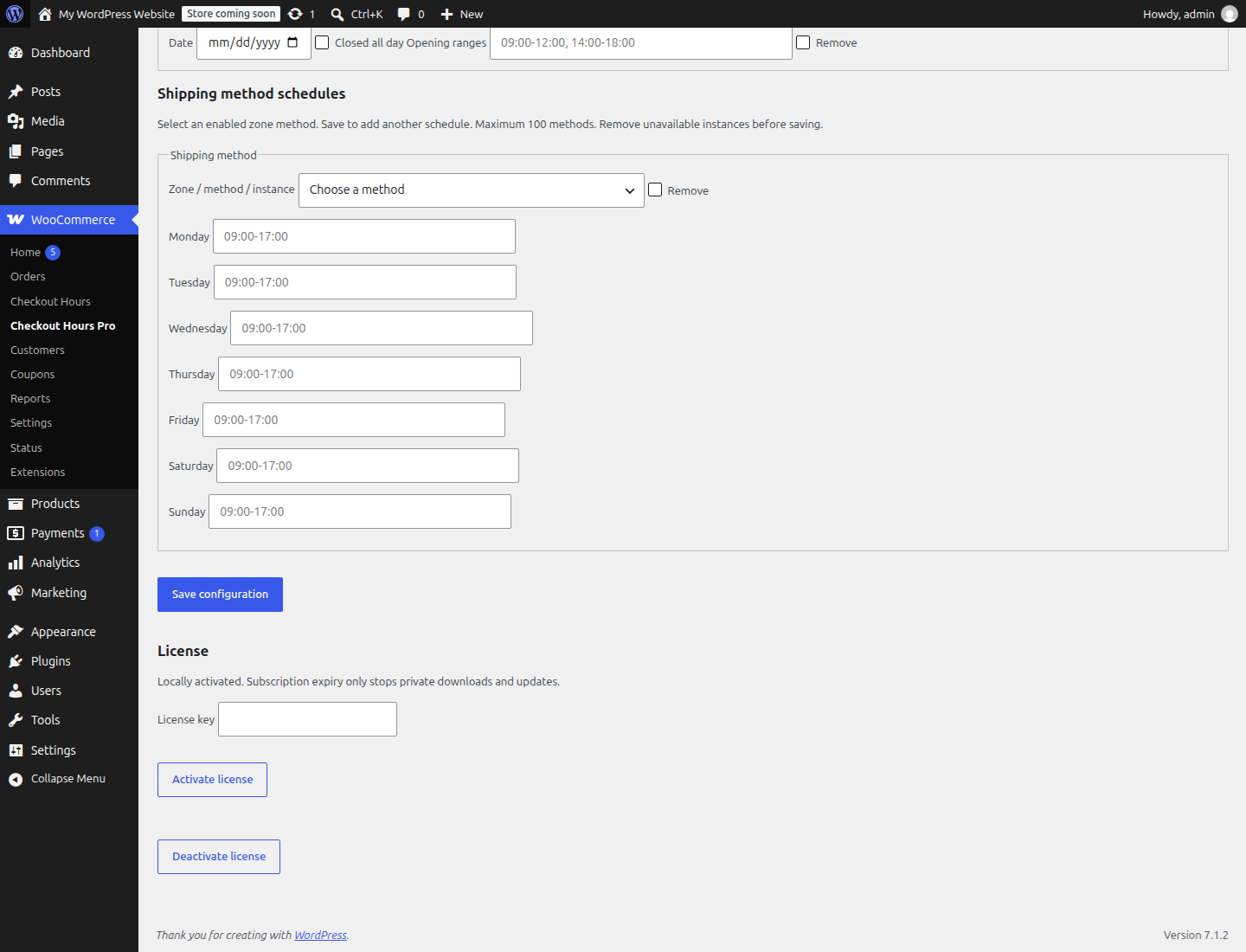
Add dated closures and exceptional opening ranges to Checkout Hours. Set a weekly schedule for each shipping method instance, including collection. Your catalog and cart remain available.
01 / The workflow
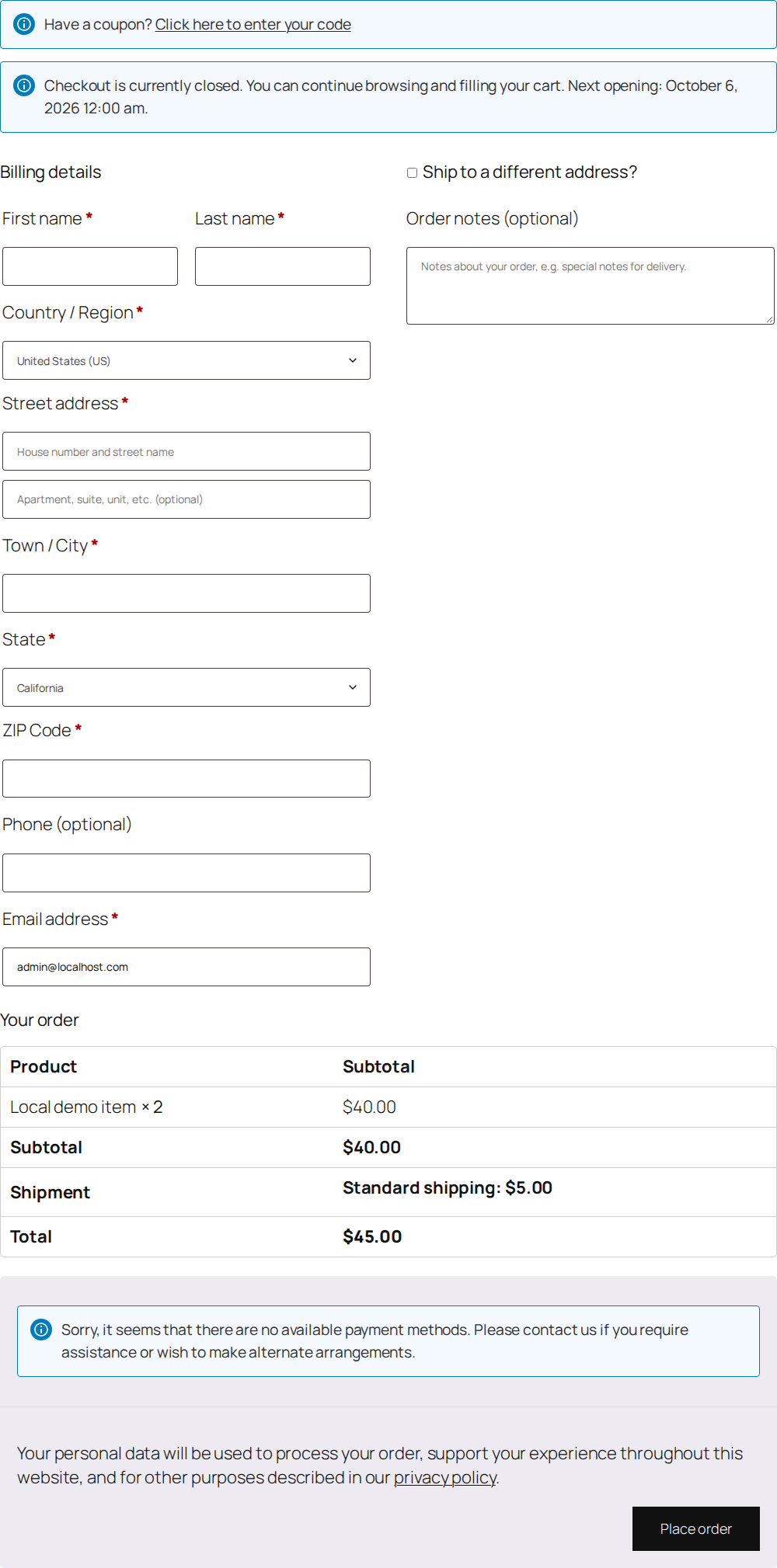
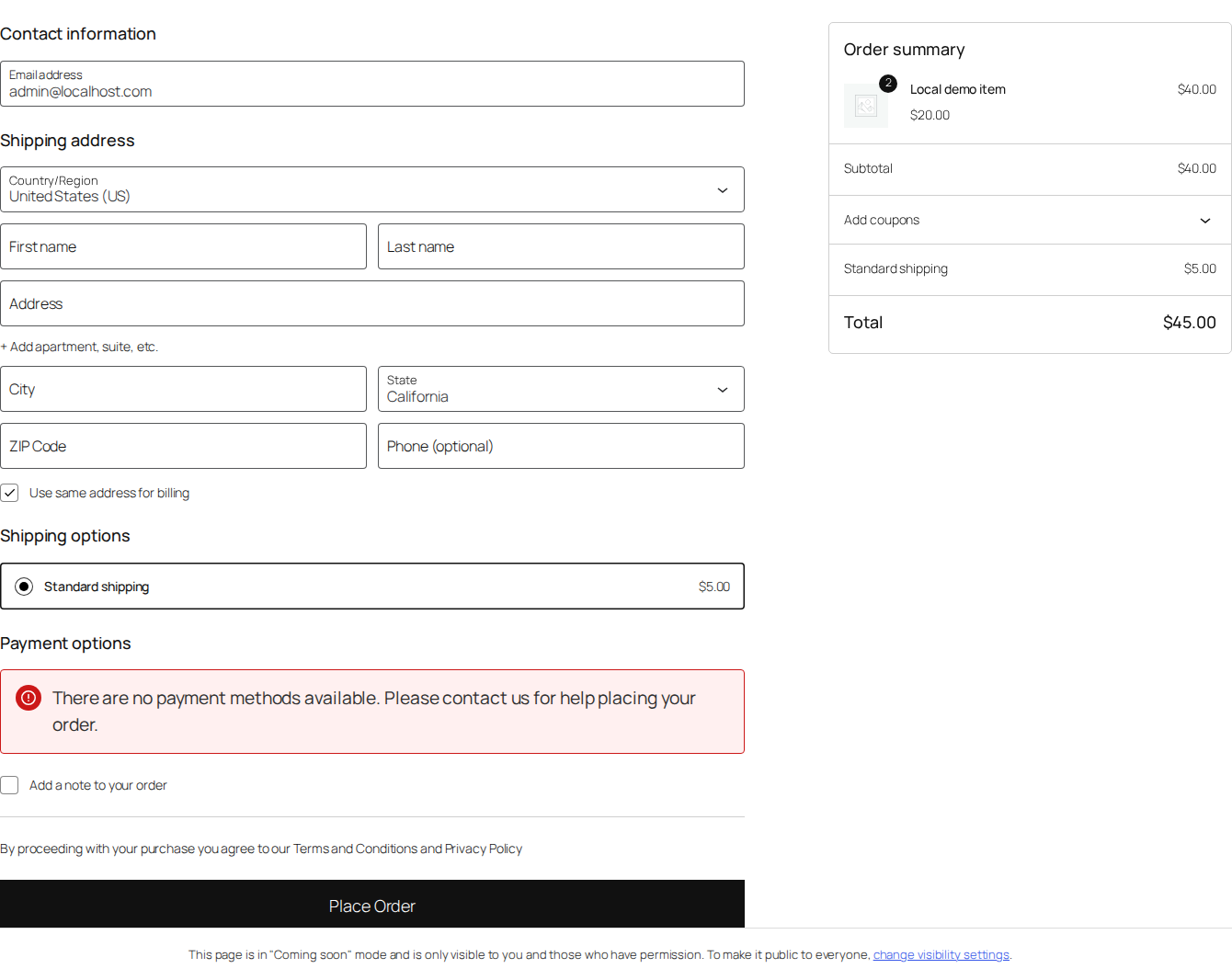
Calendar rules follow Free’s global block or warning mode. Shipping-method windows stay strict. This does not schedule delivery or fulfillment. Existing-order payments remain available.
Pro includes English and French. Dates, shipping methods and saved settings remain unchanged when you switch language.
02 / Plans
Planned annual subscriptions, with applicable taxes included. No purchase or payment is available yet.
1 store · no order quota
59 € / year
5 stores · no order quota
149 € / year
25 stores · no order quota
299 € / year
After expiry, local features keep working on an activated store. Renewal provides downloads, new activations, updates and support.
Requires WordPress 6.6+, PHP 7.4+, WooCommerce 9.6+ and JeyTech Checkout Hours 1.0.0+. Keep WooCommerce and Free active. Pro settings are English/French; Free uses its native WordPress language packs.